

Introduction to CATIA V5R20

About Course
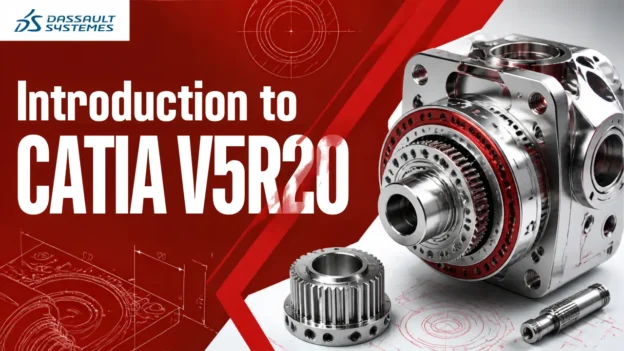
The Introduction to CATIA V5R20 course covers the key features of technical drawing and three-dimensional modeling, providing the basic knowledge required to create and edit mechanical parts.
Throughout the course, participants learn the main Sketch commands, including how to create lines, circles, rectangles, and arcs, apply geometric and dimensional constraints, and edit 2D profiles.
The modeling section introduces the essential commands used to transform sketches into 3D solid models, such as Pad, Pocket, Shaft, Groove, Hole, Fillet, Chamfer, and Mirror.
The objective is to develop the ability to create, modify, and visualize three-dimensional models using the fundamental tools of CATIA V5R20.
Course Content
Introduction to CATIA V5R20
- 05:21
Introduction to CATIA V5R20 Settings
05:39
Introduction to Sketch and Constraints in CATIA V5R20
Basic Sketch Commands in CATIA V5R20
Introduction to Basic Modeling Commands in CATIA V5R20
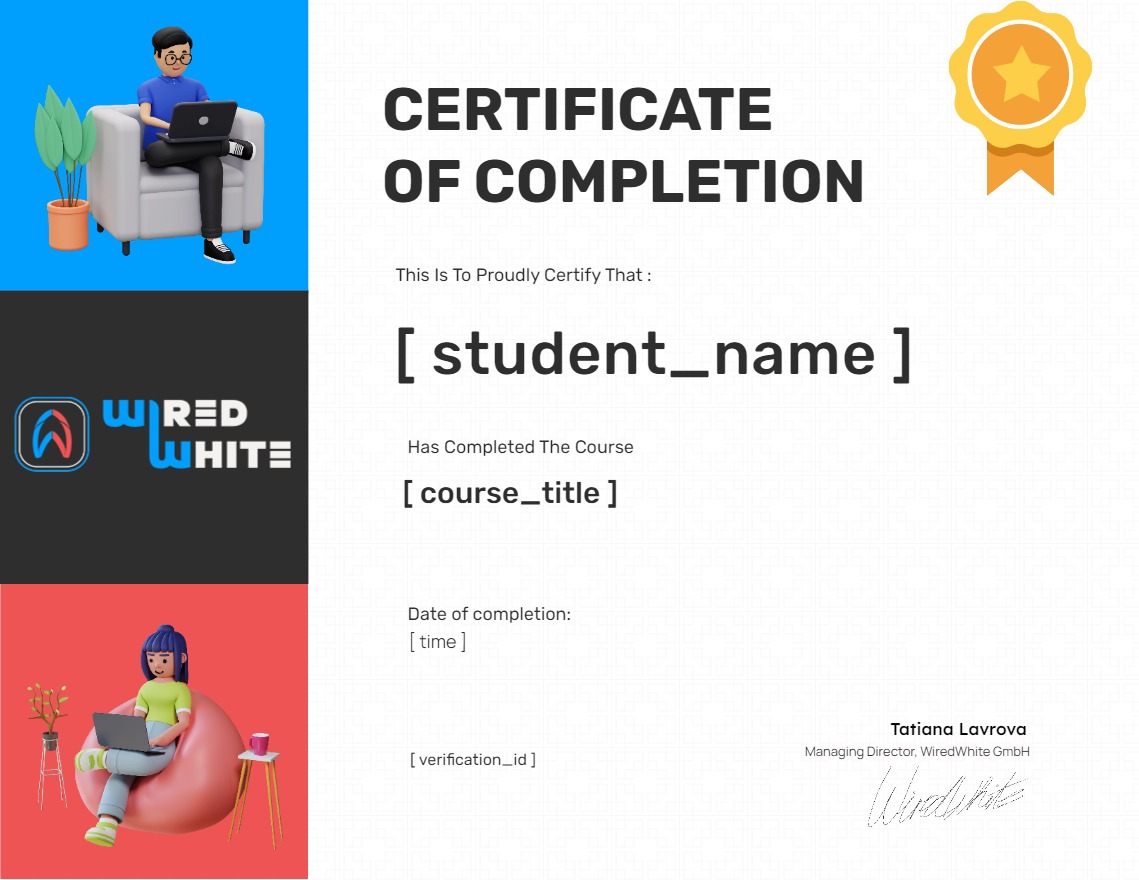
Receive a certificate
Add this certificate to your resume to demonstrate your skills & increase your chances of getting noticed.
Student Ratings & Reviews
