

CATIA V5R20 Sheet Metal Design – 3D Modeling, Bending & Flat Pattern Development

About Course
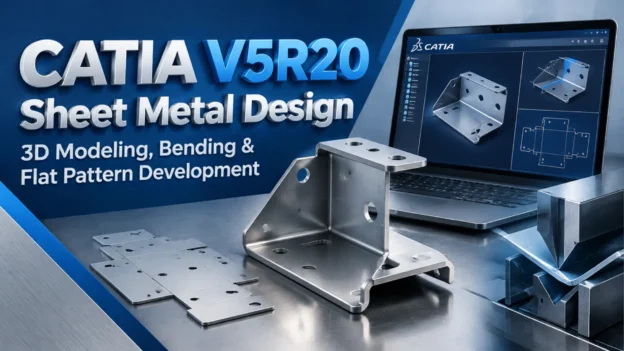
This course teaches you how to use the main tools and commands of the Sheet Metal Design workbench in CATIA V5R20 to design and develop sheet metal components.
You will learn to work with tools such as Wall, Extruded Wall, Swept Wall, Flange, Hem, Tear Drop, Cutout, Stamp, Bend, Unfold, Fold, Chamfer, and other essential commands for creating and modifying sheet metal parts.
You will learn how to create models using parameters such as material thickness, bend radius, bend angle, and corner relief, understanding how to transform flat sheet metal into three-dimensional components.
Throughout the course, you will work on practical projects, exploring modeling tools, bending operations, cutouts, and sheet metal unfolding (flat pattern generation).
Learn to design sheet metal components, develop practical skills, and master CATIA V5R20 tools used in the metalworking industry!
Course Content
Introduction to CATIA V5R20
- 05:21
Introduction to CATIA V5R20 Settings
05:39
Introduction to Sketch and Constraints in CATIA V5R20
Basic Sketch Commands in CATIA V5R20
Introduction to Basic Modeling Commands in CATIA V5R20
Sheet Metal Project – Sheet Metal Commands
Sheet Metal Project
Advanced Modeling in CATIA V5R20 – Pipe Wrench Videos
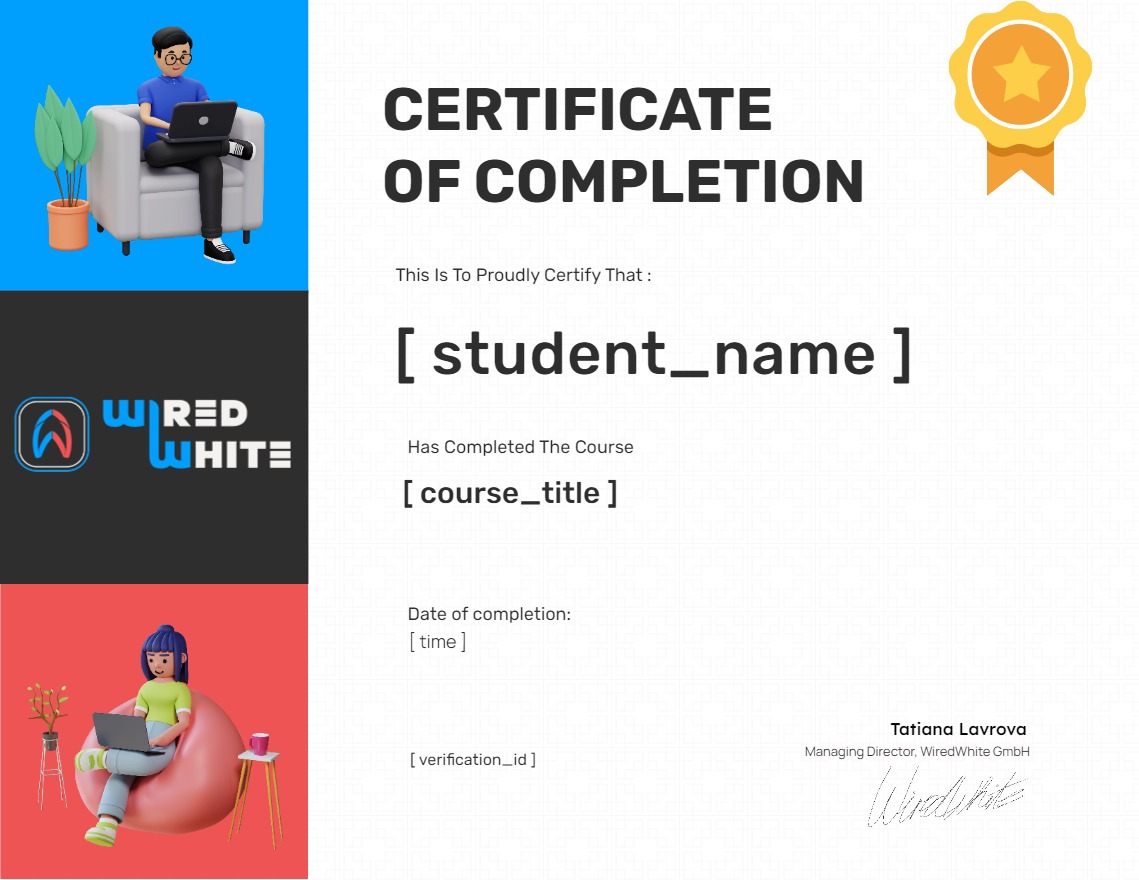
Receive a certificate
Add this certificate to your resume to demonstrate your skills & increase your chances of getting noticed.
Student Ratings & Reviews
